
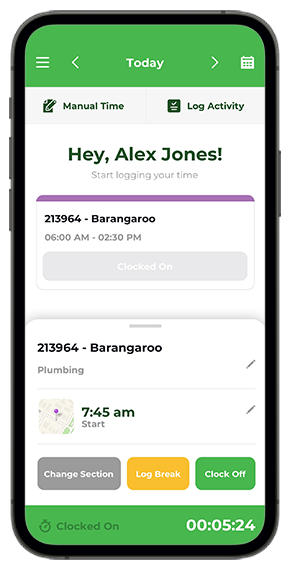

Just Clock On as soon as you remember. Once you’ve Clocked Off, the yellow timesheet can be amended to the correct Start Time. If you completely forget to Clock On to the shift, you can Log Time as soon as the next day. NOTE: Always remember to Clock On at the beginning of the shift.…
Read more
I’ve been scheduled to a job but now have to go to another job. Can I still Clock On?
Yes. There are a few options you can consider: Clock On to the job that’s in the schedule and advise your Supervisor to change the job once yellow, through the Notes section in the shift, OR Create a new shift, through the grey button ‘Clock On to an unscheduled job’. This can be done if…
Read more
I haven’t been scheduled to a job. How do I Clock On?
In TODAY’S screen, simply select the grey button to ‘Clock On to an unscheduled job’.
Read more
How do I Clock On?
Simply select the scheduled job in your Calendar. Watch the video how to Clock On for the first time.
Read more
- 1
- 2