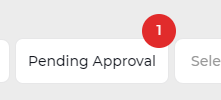

Once a timesheet is approved, the system batches the timesheets and sends to Simpro (if applicable). Each batch may take up to five minutes to send through. During this time, you will notice two things in the Calendar – the timesheets will change to grey and a new button ‘Pending Approval’ will appear above the Calendar. Click on the button and the status log will list all timesheets awaiting to be sent to Simpro.